Pick the invoice style that fits your brand.
Wiseventory ships 10+ professionally designed GST invoice formats, including Classic, Modern, Minimal, Corporate, Elegant and Wave. See any of them on a real sample before you commit, switch anytime, and never touch a design tool or config file. Print A4 or a thermal receipt from the same bill.
No credit card. Free plan available.Updated: ~4 min read
Invoice #GST-2023-001
Generated 2 mins ago
Billed To
Tech Solutions Ltd
GSTIN: 29ABCDE1234F1Z5
Every business wants its invoices to look a certain way.
Some shops want the familiar bordered tax invoice their customers have seen for years. Others want something cleaner, more contemporary, or unmistakably corporate. Until now that meant design work, or a support ticket, or living with a layout that didn't quite feel like you.
The Invoice Templates picker lives in Settings → Invoice Templates. You see every available style as a grid of preview cards, each showing the real layout. Your currently active style carries an Active badge. Choosing a new one takes a single click and applies instantly to every invoice you generate from then on.
10+ GST invoice formats, one for every kind of business
All GST-ready. Pick the one that matches how you want customers to see you.
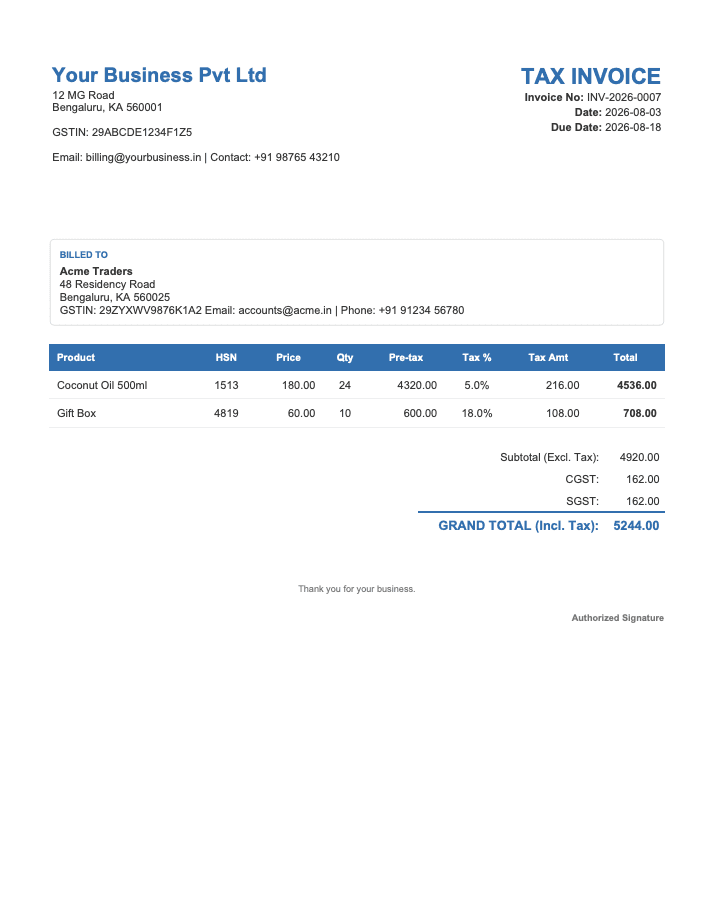
Classic
The familiar, formal look most businesses expect
A traditional bordered GST tax invoice — clear boxes, ruled tax breakdown, everything where an accountant expects to find it.
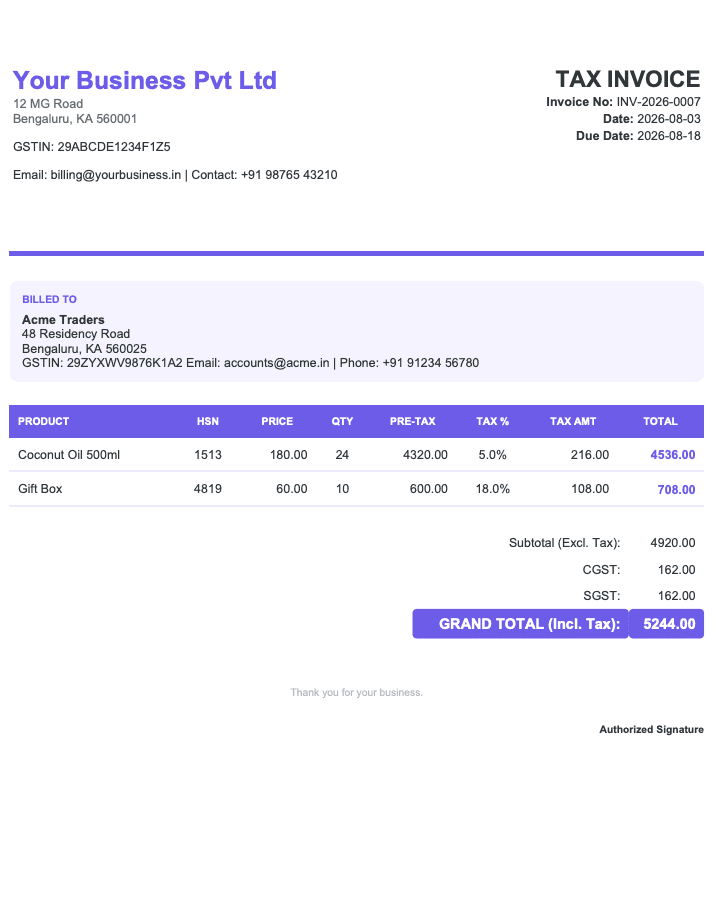
Modern
A contemporary, up-to-date feel
An accent-coloured header band over a clean grid, for a fresh, current look that still keeps every GST field in place.
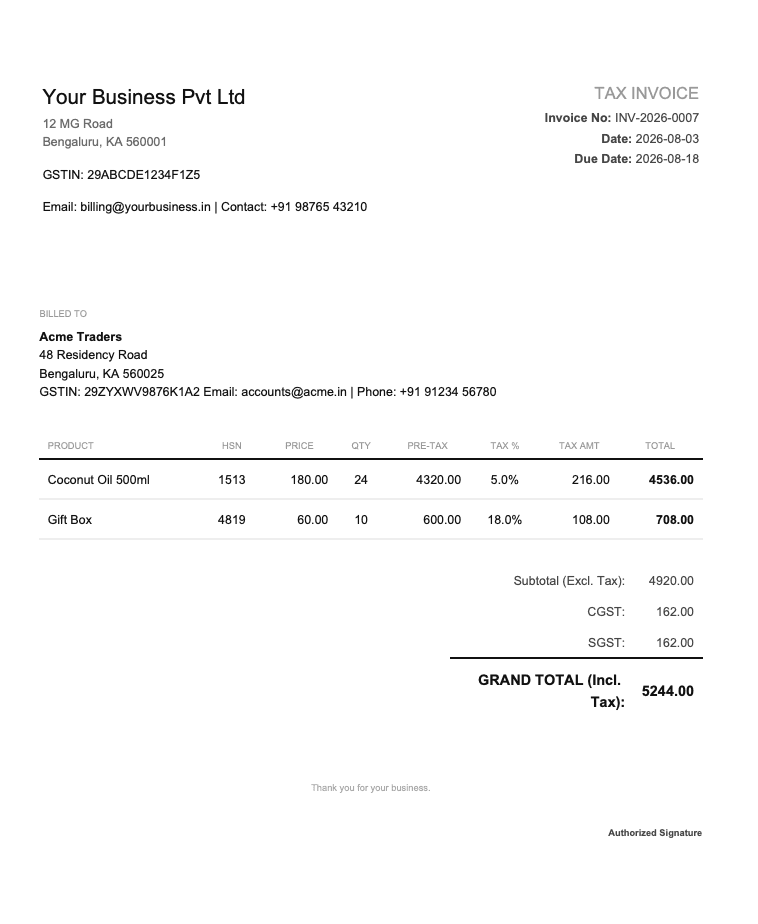
Minimal
Understated, typography-first businesses
Border-free and whitespace-led — elegant and quiet, letting the type and the numbers do the talking.
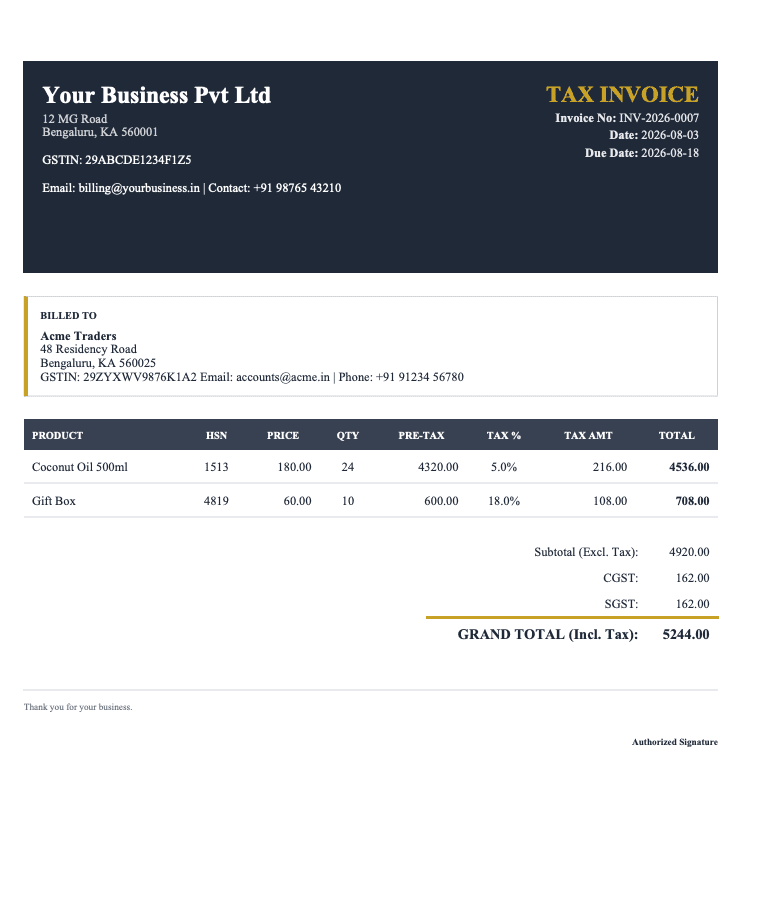
Corporate
Formal, logo-forward organisations
A structured, logo-forward layout with a terms-and-conditions footer — built for businesses that bill with a letterhead in mind.
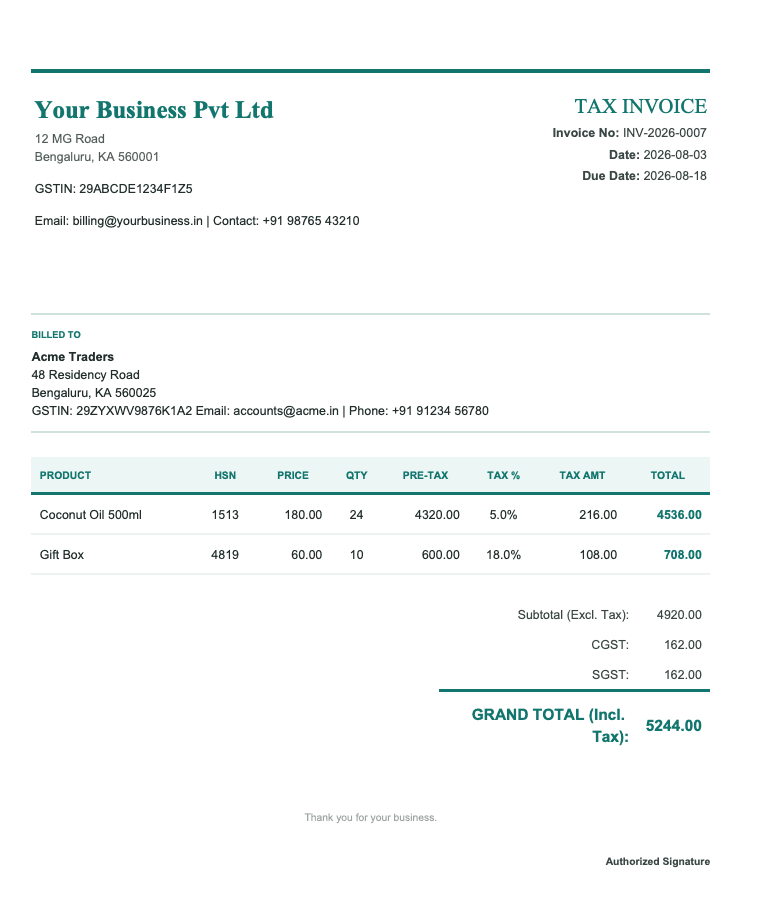
Elegant
A premium impression
A refined, polished style for businesses that want their invoice to feel considered and upmarket.
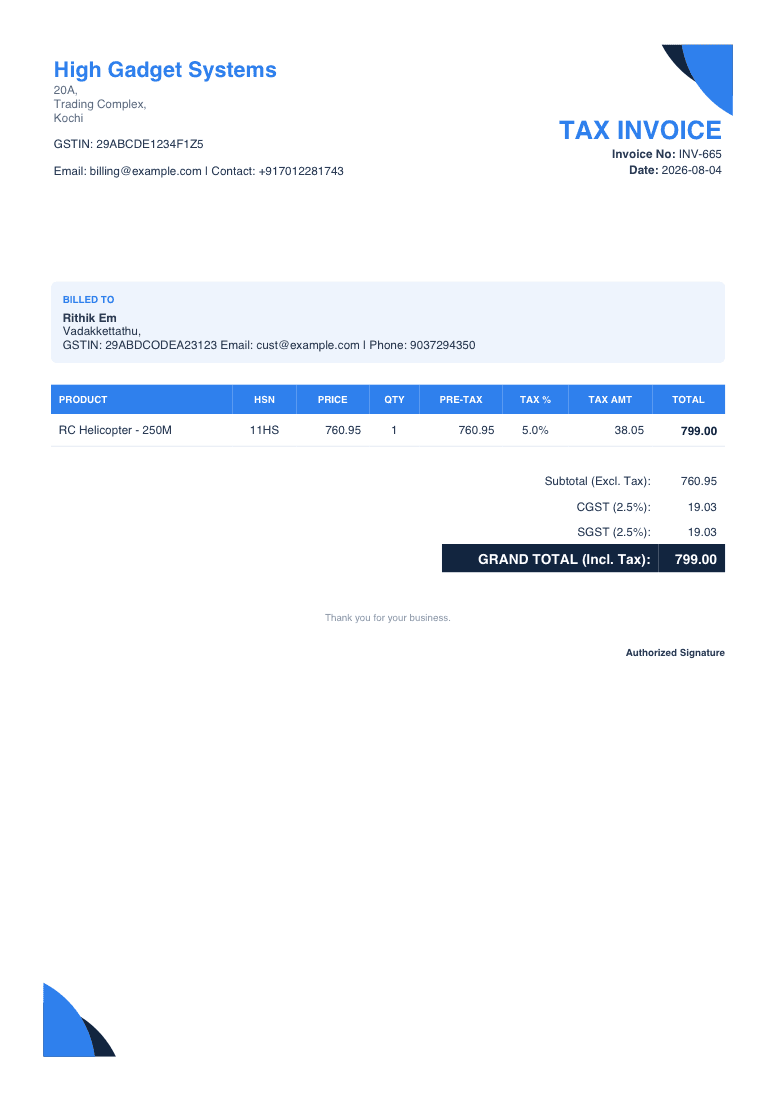
Wave
Retail counters that want the bill to stand out
Curved blue corner accents and a coloured table header — the boldest style in the set, and the one customers notice.
Every format carries your GSTIN, the customer's GSTIN on B2B bills, an HSN code against each line, the tax breakdown, totals and a QR code — whichever one you pick.
Browse, preview, apply
Three steps, no configuration, no design work.
Browse
Open Settings → Invoice Templates to see every style at a glance, with your active one highlighted by an Active badge.
Preview
Click any template to open a full sample invoice rendered in that exact style. It uses sample data, so nothing touches your real invoices or your current selection.
Apply
Hit “Use this style”. The change takes effect immediately for every invoice you create or regenerate afterward.
Good to know
The details that decide how the picker behaves for your team.
One default per business
The selected style becomes the default for everyone in your business who issues invoices — one consistent look across the team.
Future invoices only
Switching styles changes new invoices and regenerations. It doesn’t rewrite documents you’ve already sent, so your history stays exactly as the customer received it.
Zero setup
Every template is GST-ready out of the box. There’s nothing to configure, no design file to upload, and no support ticket to raise.
Change as often as you like
Your choice isn’t permanent. Try a different look whenever your branding evolves — preview it first, then switch when you’re ready.
Frequently Asked Questions
What shop owners ask before switching a template.
How many invoice templates does Wiseventory have?
Can I preview a template before I use it?
Are all the templates GST-compliant?
If I switch templates, do my old invoices change?
Does everyone on my team use the same template?
Is there anything to configure or design?
Related features
The pieces that work alongside your invoice template.
See your invoice in every style
Open Settings, preview all 10+, and pick the one that looks like you. Free plan, no credit card needed.